Floating Browser Hero
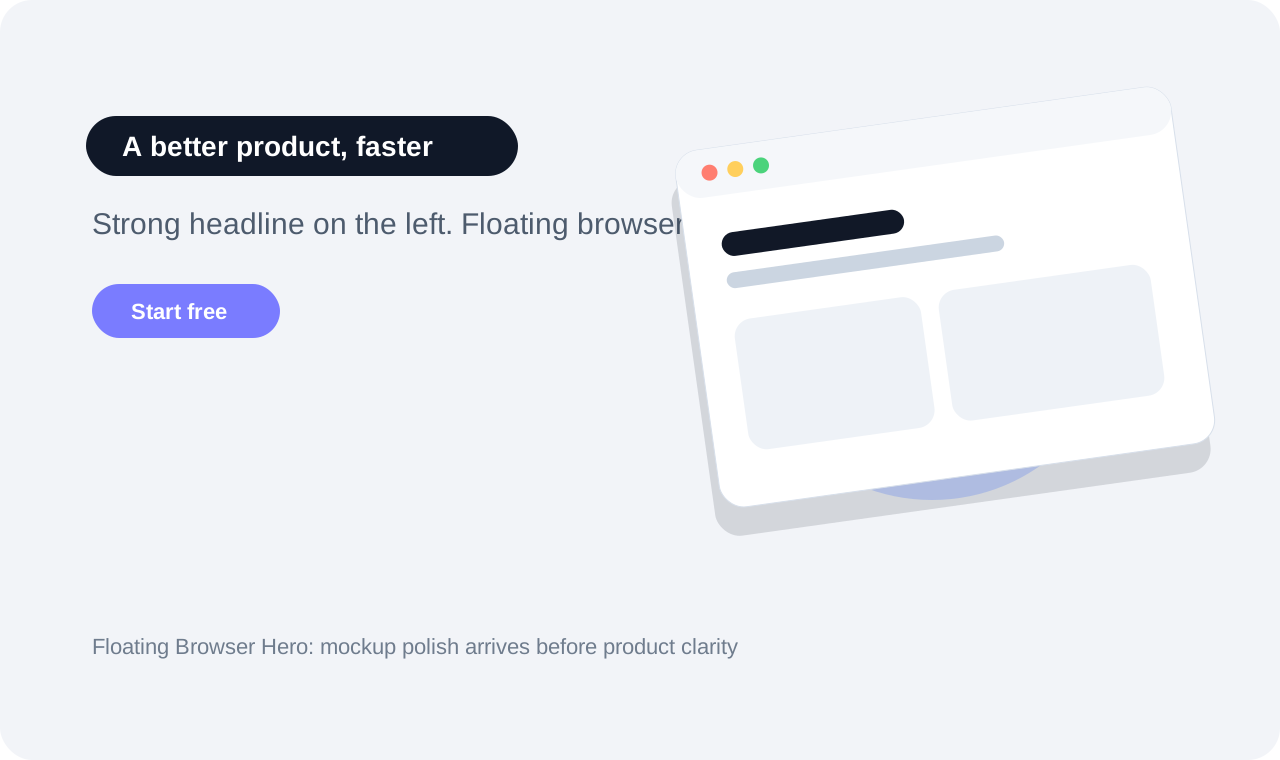
The product is introduced by a tilted browser window hovering over a radial glow. It looks like a startup in one frame and explains almost nothing about why the thing matters.
The Pattern
The screenshot hero predates AI. The floating screenshot hero predates AI. The smell is how often models reach for the exact same version: a browser chrome or phone frame, slightly rotated, suspended above the page with a giant shadow and a glow behind it like it has achieved consciousness.
It is visual shorthand for “this is an app.” Unfortunately that is often the only thing it communicates. The user sees polish, motion, and product-ishness before they understand the problem being solved.
When every generated hero uses the same mockup silhouette, the silhouette stops being a differentiator and becomes a watermark.
Visual Example
Examples
Why AI Reaches for It
Because mockups are easy proof. A model can show a rectangle full of UI and immediately satisfy the prompt’s demand for “professional” or “premium.” It does not need a concept. It needs a window frame and some depth.
The pattern also works well with training data. SaaS sites, app launch pages, Dribbble shots, product mockups: the corpus is flooded with them. So once the model sees “hero section,” the floating device is already in motion.
It is the visual counterpart to an empty thesis statement. Presentable. Familiar. Hard to argue with. Hard to remember.
Research Notes
This smell is backed less by academia than by the ecosystem of landing-page best practices. Webflow’s app-landing-page guide repeatedly treats screenshots and product visuals as hero essentials, and device-mockup vendors like Mock Magic pitch framed screenshots as the primary way to make landing-page heroes feel professional and explanatory.
That is exactly why AI overuses the pattern. If the training corpus and the “how to make a high-converting app page” literature both reinforce device mockups as the safe answer, then a prompt like “modern SaaS hero” practically preloads a tilted browser window.
The homogenization paper from UW / Microsoft Research supplies the missing piece: once a familiar first answer appears, many vibe-coding workflows encourage acceptance over divergence. Floating Browser Hero is the kind of persuasive default that survives because it looks solved before the actual communication problem is solved.
Where It Shows Up
Sources